Google Chrome
November 17th, 2008Info regarding Google Chrome, adblock, mouse gestures, etc
http://jeremybuff.wordpress.com/2008/09/03/review-google-chrome-2/
http://www.tcbmi.com/strokeit/
http://googlechrometips.blogspot_.com/2008/09/make-google-chrome-more-like-opera-or.html (remove _ after blogspot)
http://www.abelhadigital.com/
WOW 3.0 Information
October 31st, 2008Here are some links regarding the 3.0 patch.
This particular section is what I found when trying to fix FreeRefills. The issue ended up being the change to itemlinks.
3.0.2 Actual API Changes
API GetItemInfo
ItemString
World of Warcraft API
API UnitHealth
MAME info
October 24th, 2008Here's some info about MAME
Johnny 5 - display images with info regarding the button layout
Mame Utilities
Hiding Windows 7 Completely
Hiding Windows
Introduction to MinLogon
Windows 7 AutoLogon
MAME DVDs
ArcadeVGA Drivers
ArcadeVGARes is doing nothing
arcadeVGA2 Video Review / Informational / Tutorial
MameWAH Working In Vista
Previous MAME Releases
Mame World
Rotary Joystick Games List
Arcade LS-30 Rotary Joysticks Disassembly (YouTube)
MameWah on 64 bit OS
Mame Controls
USB Spinners
MAME: looking for a USB Spinner Controller
how do i wire up the SlikStik Tornado Spinner
Connect a SlikStik Tornado to an Ultimarc Opti-PAC
MAMEWAH
MAMEWAH Overview
MAMEWAH Homepage
Screenshot Archive Mamewah layouts
Windows 7 64 and MameWah Yes you can!
LS-30
LS-30 Components
LS-30 Microswitch Information
LS-30 Microswitches - Which ones to buy
10 Pack Copper Joystick Microswitches
LS-30 Rotary Wiring Pinout
LS-30 Switch Service
Rotary Joystick Games
Heavy Victory Ikari Time Barrel Warrior Soldiers Road 'Cammo Edition'
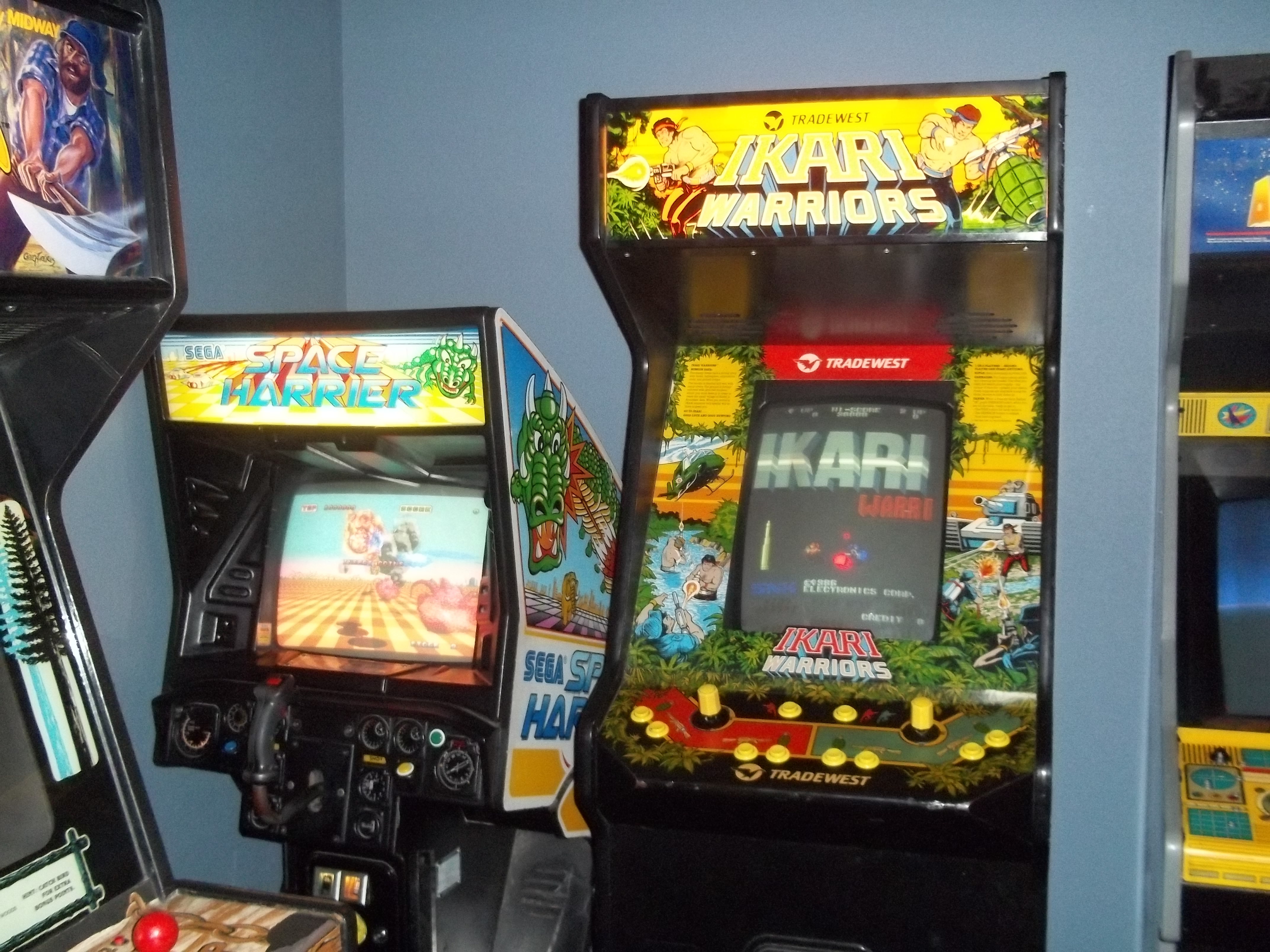
Ikari Warriors Cabinet Picture
Ikari Warriors
MISC
FEEL – FrontEnd (Emulator Launcher)
ArcadeOS / ArcadeVGA Resolution Question
Ultrastik 360 Support
Issue with Windows 7 and native resolutions
ArcadeVGA 5000
Can Mame change horizontal screen position of a game?
Using netselect-apt - Tip to select the fastest Debian Mirror
October 20th, 2008Here is a way to select the fastest Debian Mirror:
(subsitute your version for etch in the examples below)
# apt-get install netselect-apt
# netselect-apt etch
# netselect-apt -n etch
# netselect-apt -n -f etch
Link to full article (change the _com to .com) http://linuxhelp.blogspot_com/2007/05/using-netselect-apt-tip-to-select.html
Mini SFTP server
October 20th, 2008Here is a very small, single executable (no installation required) SFTP server. Very handy for working across firewalls on Windows systems....
Link to blog describing the program (change the _com to .com): jameser.blogspot_com/2006/07/tip-31-simple-portable-sftp-server-for.html